Meter and power price
Contract and tariff
Choose your kind of electricity contract and enter its prices, so Thuisbord shows what power really costs you.
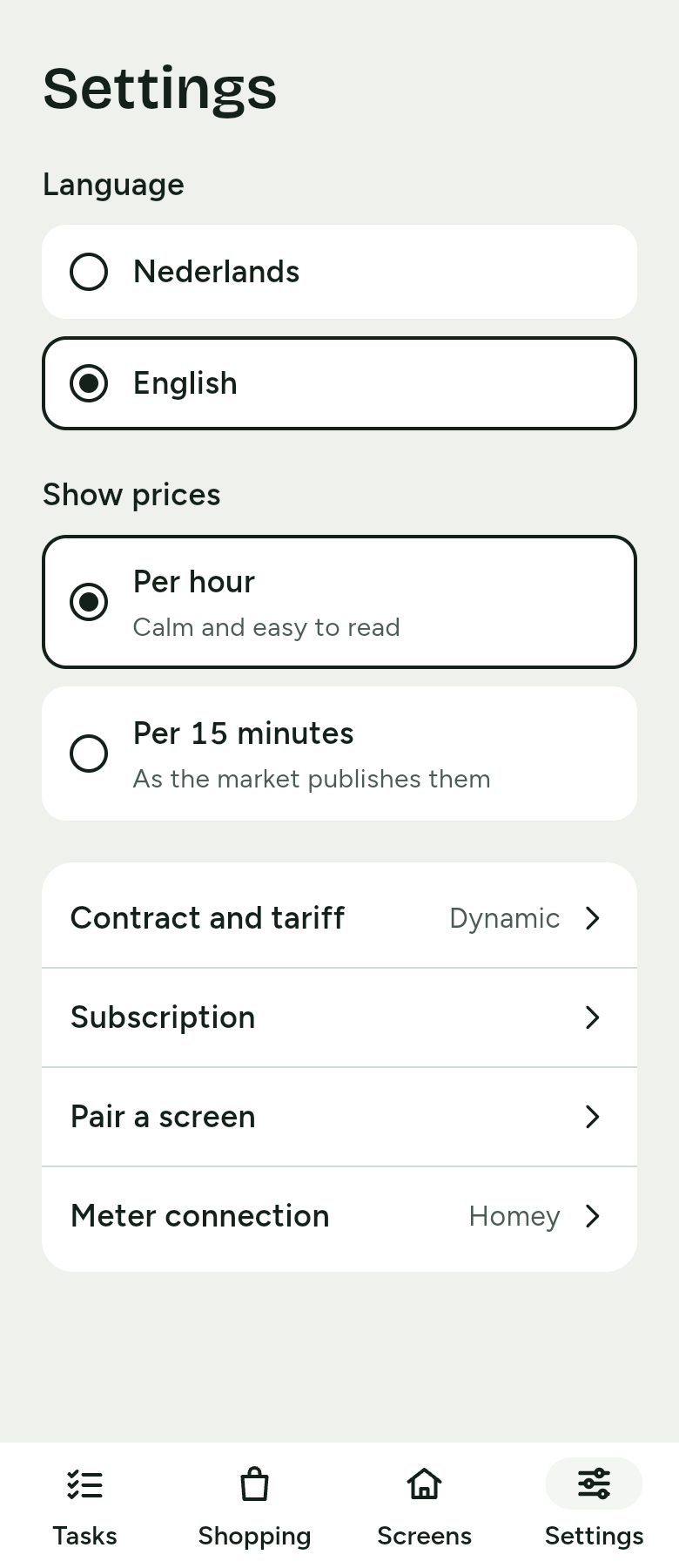
Thuisbord calculates with the price you really pay. For that, you enter what kind of electricity contract you have. You do this during setup, at Your electricity contract, or later through Settings › Contract and tariff. Then tap Done during setup, or Save in Settings.
Which contract do you have? offers three choices.
Tip
The amounts are in your contract or with your supplier. Not sure of an amount? Leave it as it is; you can change it later.
Dynamic
Dynamic: the price changes every hour. Enter Your supplier's markup per kWh, for example € 0,02.
Thuisbord adds up the market price, your supplier's markup and the taxes. So the screen shows the price you pay, with the cheapest and the most expensive moments of the day. The Prices screen shows how the price right now is made up.
Tomorrow's prices appear as soon as the market publishes them. Until then, the screen says around what time they arrive.
Fixed or variable, one tariff
Fixed or variable, one tariff: the same price day and night. Enter Price per kWh, all-in.
Instead of a price chart, the screen then shows the Power price card with your one price: the same day and night.
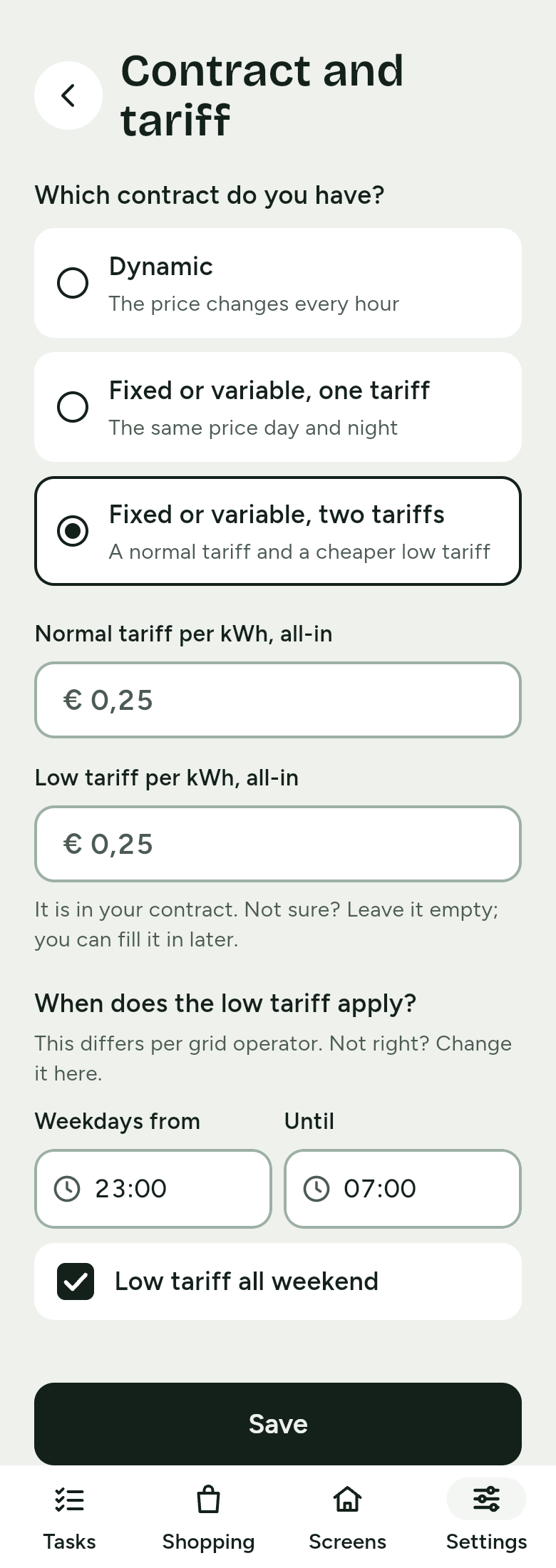
Fixed or variable, two tariffs
Fixed or variable, two tariffs: a normal tariff and a cheaper low tariff. Enter Normal tariff per kWh, all-in and Low tariff per kWh, all-in.
When does the low tariff apply?
The low tariff usually applies on weekday nights and all weekend, but the hours differ per grid operator. Check the hours and change them if they are not right:
- Weekdays from and Until: the hours of the low tariff on weekdays.
- Low tariff all weekend: tick it when the low tariff applies all weekend.
Does your meter report which tariff applies? Then the screen follows the meter.
The screen shows the Power price card: which tariff applies now, its price, and when it changes, for example Low tariff from 23:00. The advice points to the low tariff, such as: Power is cheaper from 23:00. Wait with the tumble dryer.
Prices per hour or per 15 minutes
With a dynamic contract you choose how the screen shows the prices. Go to Settings › Show prices:
- Per hour: calm and easy to read. This is the setting until you choose.
- Per 15 minutes: as the market publishes them.
The cheapest and most expensive moments on the screen follow your choice. Thuisbord always calculates the cost of the day with the prices as the market publishes them.